- support@pcmasters.co.uk
- 0800 145 5521
- 07904 012045
- Mon–Sat 9am–8pm, phone lines until 10pm, closed Sundays
Wi-Fi, routers, mesh & printers · No Fix, No Fee · Same-day call-out
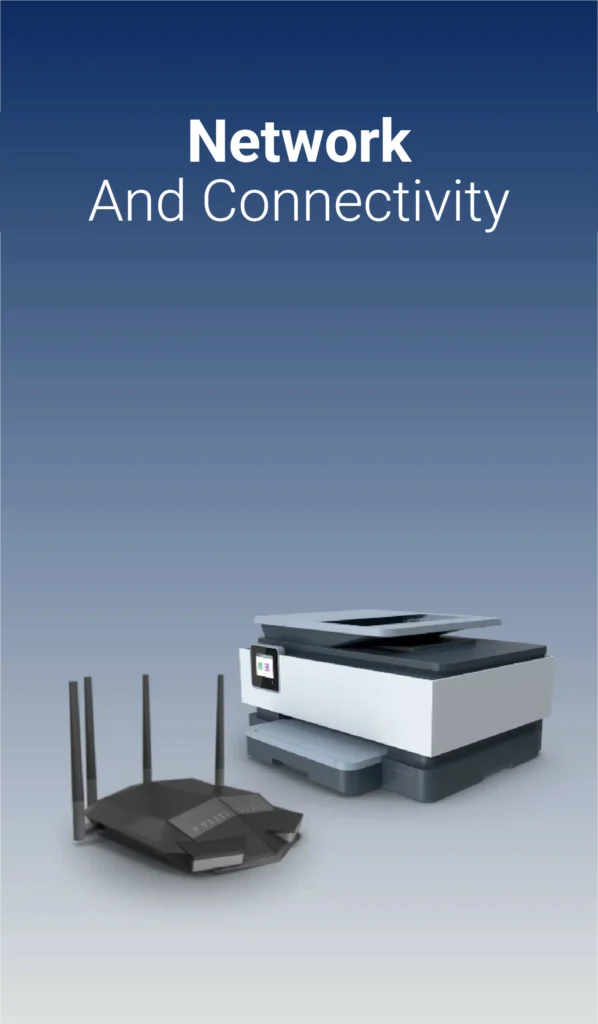
Slow Wi-Fi, dropouts, buffering and printers that keep going offline waste hours. PC Masters provides home and small business network support, from setting up a single router to installing a complete office network with shared printers and network storage.
Your technician tests your broadband speed, Wi-Fi signal strength and network devices room by room, finds what’s causing the problem and fixes it, whether that’s a badly placed router, wireless interference, an overloaded network, an outdated device or a setting that needs changing. We set up mesh Wi-Fi systems, Wi-Fi extenders and access points to remove dead spots, and install Ethernet cabling, network switches and powerline adapters for fast, stable wired connections.
We also fix wireless printer and scanner problems, connect smart TVs and devices, set up shared folders and NAS drives, configure VPNs for home working, and secure your network with strong Wi-Fi passwords, firmware updates and a separate guest network.
Book online in a couple of minutes or call 0800 145 5521. Tell us what’s wrong and pick a time, Monday to Saturday, 9am–8pm.
A technician visits your home or business, finds the cause and tells you what it will cost before any work starts.
Most network and printer problems are fixed during the visit. If new equipment such as a mesh system is needed, we’ll recommend what suits your home and set it up for you.
If we can’t fix it, you don’t pay for the repair. We test every room and device before we leave. Every repair comes with a warranty from 1 month up to 36 months: our basic service includes 1 month, and the bigger the job, the longer the warranty.
If new equipment such as a router, mesh system or cabling is needed, it’s charged at the lowest available rate and agreed with you first.
Walls, distance and interference from other devices weaken the signal. Moving the router, changing its channel or adding a mesh system usually fixes dead spots for good.
Not always. We test your connection first, so you only buy new equipment if it will actually help. Sometimes the fix is a setting or a cable.
Yes. This is usually a network or driver problem. We reconnect the printer, update its software and make sure every computer in the house can print to it.
Yes. We install cabling, switches and Wi-Fi, set up shared printers and storage, and add a separate guest network to keep your business devices secure.