
USB Ports Not Working? How to Fix Them
Mouse, memory stick or phone not recognised when you plug it in? Here’s how to work out whether it’s the device, the settings or the port itself, and how to fix it.
Windows 10 Support Has Ended: Should You Upgrade to Windows 11?
Microsoft has ended standard support for Windows 10. Here’s what that means for your computer, how long you can still get security updates, and how to move to Windows 11 safely.
Laptop Wi-Fi Keeps Dropping? How to Fix It
Wi-Fi that keeps cutting out or won’t connect at all is one of the most frustrating laptop problems. Here’s how to find the cause and fix it, step by step.
Laptop Battery Draining Fast? Causes, Fixes and When to Replace It
If your laptop barely lasts a couple of hours away from the charger, it could be your settings, your apps or a worn-out battery. Here’s how to tell, and what to do.
Laptop Keyboard or Trackpad Not Working? What to Try First
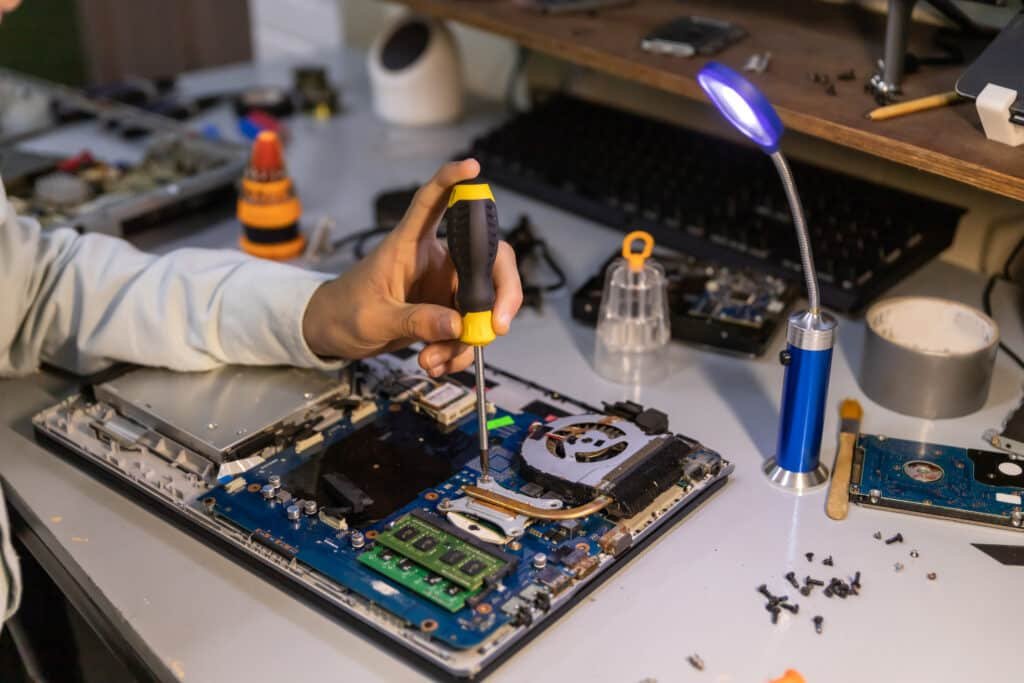
Keys that stick, type the wrong characters or don’t work at all, or a trackpad that’s stopped responding? Many of these faults can be fixed in minutes. Here’s what to try.
How to Tell if Your PC Has a Virus (and What to Do About It)

Pop-ups, a sudden slowdown or strange messages sent from your accounts? Here are the warning signs of a virus or malware, what to do straight away, and how to stay protected.
Repair or Replace? When It’s Worth Fixing Your Laptop

A broken laptop doesn’t always mean buying a new one. Here’s how to tell when a repair makes sense, when replacing is the better call, and the costs people often forget.
My Laptop Won’t Turn On – What To Do Before You Call a Repair Shop
Pressed the power button and nothing happened? Try these simple checks before you assume the worst – many “dead” laptops come back to life in minutes.