
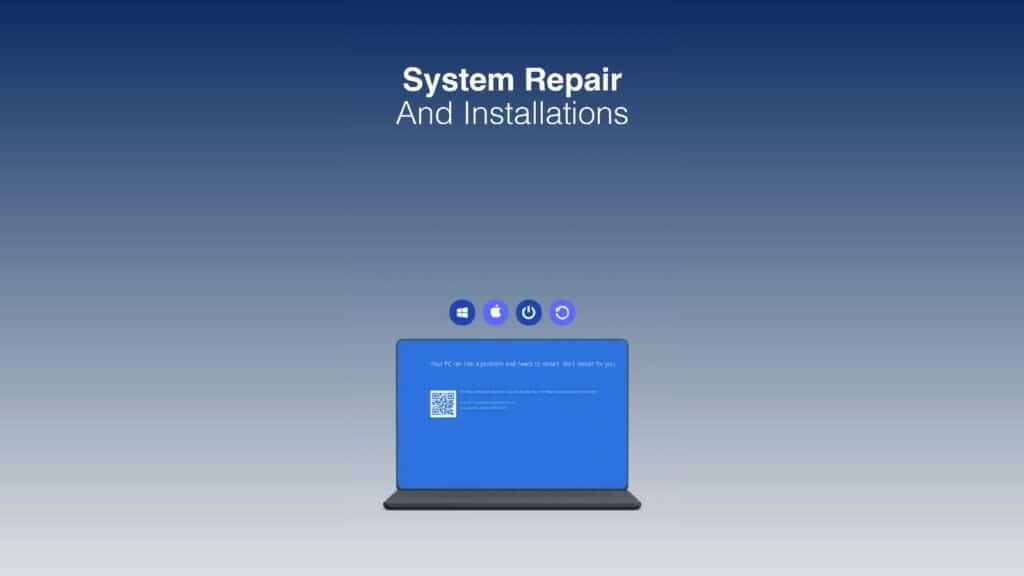
The Blue Screen of Death, or BSOD, appears when Windows hits a problem it can’t recover from and stops to protect your computer. You’ll see a short message, a sad face or error code, and then the computer restarts. On recent versions of Windows 11 the screen may be black rather than blue, but it means the same thing. A single crash isn’t usually cause for alarm, but repeated ones need sorting out.
What the error message tells you
Every blue screen shows a stop code, such as CRITICAL_PROCESS_DIED, MEMORY_MANAGEMENT or IRQL_NOT_LESS_OR_EQUAL, and sometimes the name of a file ending in .sys. Take a photo of the screen when it appears. The stop code and file name point towards the cause, which might be a particular driver, the memory or the drive.
Common causes
- A faulty or out-of-date driver, often after a Windows update or new hardware
- Faulty memory (RAM)
- A failing hard drive or SSD
- Overheating
- Corrupted Windows system files
- Malware
- A problem update that hasn’t installed properly
Steps to fix it
- Undo recent changes. If the crashes started after you installed a program, driver or new device, remove it and see if they stop.
- Update Windows and your drivers. Get graphics, chipset and other drivers from your computer maker’s support website.
- Repair system files. Open Command Prompt as administrator and run
sfc /scannow, thenDISM /Online /Cleanup-Image /RestoreHealth. - Test the memory. Search for Windows Memory Diagnostic in the Start menu and let it restart and check your RAM.
- Check the drive. Run
chkdskor your drive maker’s health tool to look for errors. - Check for overheating. Clean the vents and make sure the fan is working.
- Use recovery options if Windows won’t start. Switch the computer off during start-up three times to open the recovery screen, then choose Advanced options, where you can uninstall the latest update or use System Restore.
Check whether it was a one-off
Windows keeps a record of crashes. Search the Start menu for “View reliability history” to open Reliability Monitor, which shows a timeline of errors. A single crash months ago is nothing to worry about, but a red cross every few days points to a problem that needs fixing.
How to stop blue screens coming back
- Keep Windows up to date, and install drivers from your computer maker’s website rather than third-party “driver updater” tools.
- Keep your computer cool by cleaning the vents and fans.
- Undo any overclocking settings if the crashes started after you changed them.
- Run a full virus scan with Microsoft Defender now and then, as some malware causes crashes.
- Leave at least 10–20% of your drive free so Windows can install updates properly.
- Back up your files regularly so a crash never costs you your work.
When it’s likely to be hardware
If blue screens happen at random, show different stop codes each time, or keep coming back after a clean Windows install, the cause is probably hardware, such as memory, the drive or the motherboard. Back up your important files as soon as possible. If you can’t reach them, our data recovery service can help.
How we can help
Our technicians read the crash logs, test the memory, drive and temperatures, and fix the actual cause rather than just the symptom. We repair desktops and laptops at your home or business. See our computer and PC repair and laptop repair pages for more.
In short: note the stop code, undo any recent changes, update Windows and your drivers, and run the built-in repair and memory tools. If blue screens keep coming back with different codes, back up your files and have the hardware tested.
Need a hand? PC Masters offers a free diagnosis over the phone, a £59 same-day call-out across Luton, Dunstable, Houghton Regis, Harpenden and Leighton Buzzard, No Fix, No Fee, and a warranty from 1 month up to 36 months. Book online or call 0800 145 5521, Monday to Saturday, 9am to 8pm.